Machon Lev is a leading academic institution in Jerusalem, specializing in engineering, technology, and computer science, serving thousands of students and faculty members.
As part of a broader digital renewal process at the institute, I was tasked with redesigning the internal “Lev-Net” system – specifically, the lecturer-side interface.
I worked under the college’s project manager, in collaboration with the development team and a designer responsible for the student-side experience.
I led the UX process for the lecturer side – from research to final solutions.
To create a simple, efficient interface that presents information clearly and concisely, allowing academic staff to focus on teaching, save time, and improve organizational and administrative processes.
Faculty Member
Ongoing teaching duties - teaching students, entering grades, handling appeals.
A simple, linear interface with no information overload.
Responsible for a course team
Assignment, monitoring, and oversight of the course
Data connections, filtering and control capabilities.
Oversees all teams in their field
Obtain a system-wide view of departmental activity and track follow up
Data analysis, access to broad and summarized information.
Daily tasks required too many steps. Instead of completing actions quickly and easily, users often felt confused and spent excessive time locating the right function.
Daily tasks required too many steps.
A single
interface for all user types-lecturers, coordinators, and department heads - despite their completely different needs.
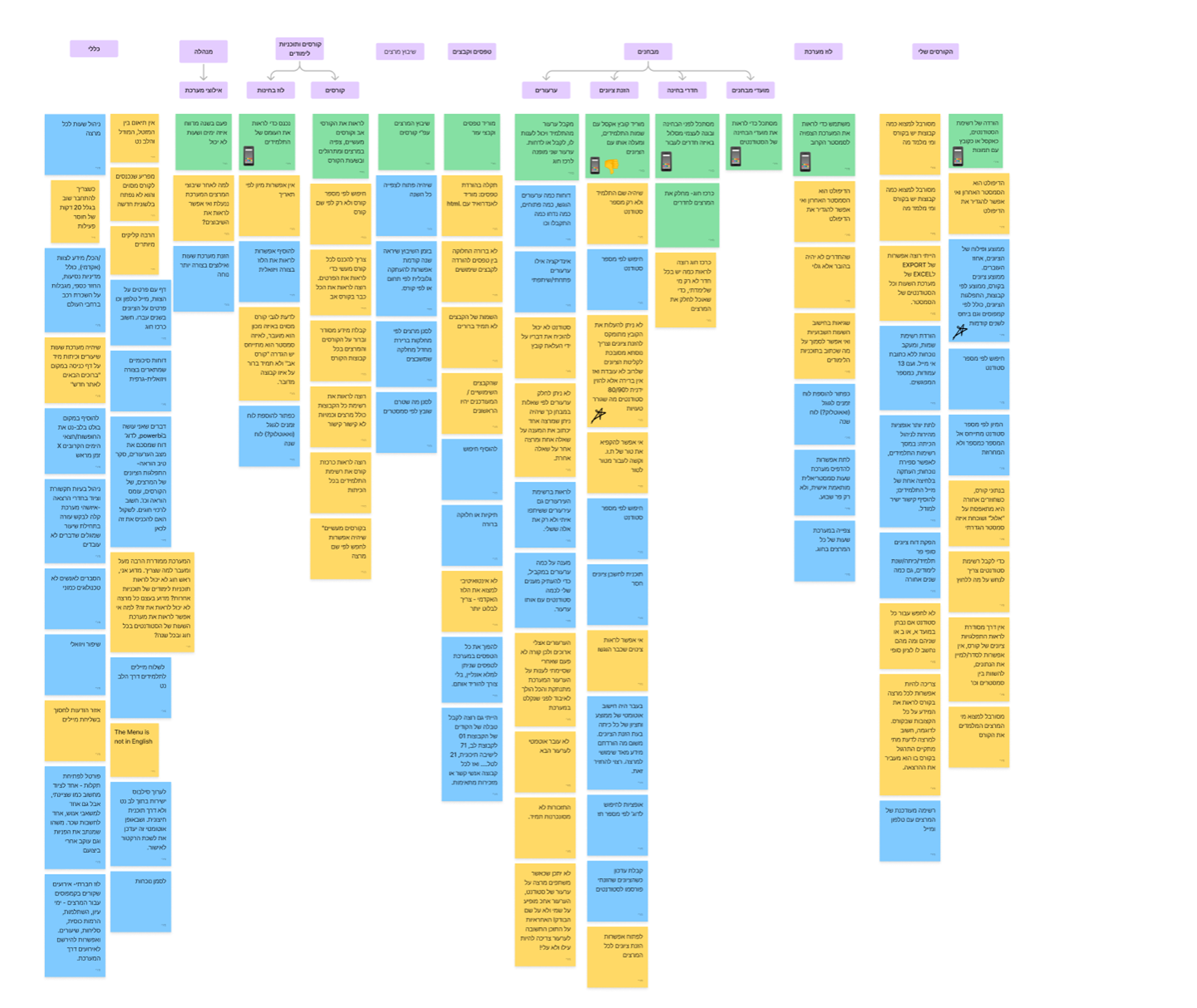
Difficulty finding the information they needed. No summary views, no filtering or sorting; everything required manual searching or exporting to Excel to understand what was happening.
Lecturers work across different systems, without full synchronization.
Additionally, they use Excel files and PowerBI dashboards - causing confusion, errors, and constant uncertainty.
When three different personas with different needs use the same system,
how do you create a unified experience that still serves each one?
How do you allow users who need quick actions to find them instantly, while those who need broader data can access it easily?
System usage changes dramatically throughout the year.
What should a user see at the beginning of a semester, during exam periods, or on a calm mid-semester day?
Lecturers work simultaneously with Lev-Net, Moodle, ToMax, and Maztal.
How can we ease their constant transitions between systems?
And what smart integrations could save unnecessary steps?
• Latest announcements
• Semester-updated timetable
• Status area that changes depending on the period
• Popular documents available for download
Seasonal usage -lecturers access the system for different purposes depending on the period, so their needs change.
A dynamic area that updates based on the defined periods, showing the most relevant information at each time.


• Select group
• Upload grades via ToMax / Excel / manual entry
• Grade distribution and averages for submitted grades
Three different methods for grade submission. Users expressed the need to import grades from Excel/ ToMax in addition to manual entry.
A dropdown button enabling grade import from all available sources,
with icons indicating the origin of each grade.


• Select course for assignment
• Assign lecturer
• Duplicate assignments from previous years
• Select lecturer
• Assign course to lecturer
The assignment process required both a high-level overview and detailed information.
The system needed to allow easy assignment while presenting crucial data without switching screens.
A table showing all key details for assignment, a side popup to view information while assigning,
and an option to view and duplicate past years’ assignments.


How to use AI tools to accelerate and streamline workflows
How to analyze large volumes of survey responses
How to stand firm and advocate for solutions that matter to users
I worked with Miriam on this project, and without a doubt, they demonstrated impressive professional skills. They led the user experience for the lecturer-side interface with precision, seamlessly integrating research, design, and technological solutions. Their innovative approach and ability to listen to the evolving needs of users were key to the project's success. I thank them for their dedication and creativity, which led to an excellent outcome!